
In the first part, we talked about monitoring certain services; the article got quite long, and adding the example configurations would have made it much longer, so in this second part we leave several configuration examples for each service, with a short description.
Read More
Throughout my professional life it is common to see many types of implementations regarding development and infrastructure; in short, when it comes to infrastructure it is common that there is no service monitoring on an organization's servers, this is more common on on-premise servers, and for this reason I asked …
Read More
When you are a GNU/Linux user, it is common to run into several obstacles when trying to update or apply security patches to the BIOS - UEFI firmware. Many companies only provide update methods with executables that only work on Windows. Although some methods offer binaries in .iso, .cap or .cab files, or updates that …
Read More
Every day we learn commands that allow us to perform certain tasks at work, so as not to forget any of these commands that served, create a list as a memory aid.
Read More
At work we had to deploy a project developed with VueJS and Laravel on an Ubuntu server, with Apache, PHP, MariaDB, where everything was versioned on github, it had no development branches, nor fork repositories. Deploying the project had some details that we need to understand and learn so as not to make mistakes in …
Read More
Building websites with Hugo Framework made me explore more about this very useful tool. An important necessary functionality was to add the properties of The Open Graph Protocol to a project, the first idea was to edit the HTML files of the theme and add the corresponding tags, but after consulting the official …
Read More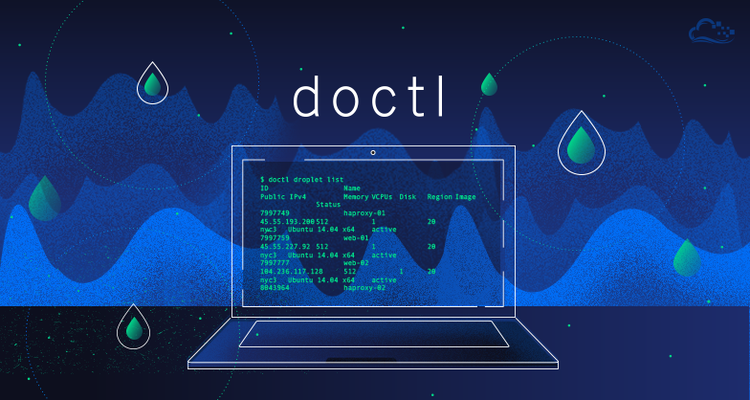
Digitalocean also has a CLI to manage the "DOCTL" infrastructure, which works similarly to AWS CLI, this tool allows us to avoid using the web interface of this provider.
Read More
To finish the small lab and finish the last part of K3s, we will name some important details, install and create the service for Kubernetes Dashboard and finally we will list some interesting tools.
Read More
In Part 2 of K3s, a description of various concepts that are handled in Kubernetes was made, the kubectl client was installed and connectivity tests to the Kubernetes API were done.
Read More